Pattern + Chords
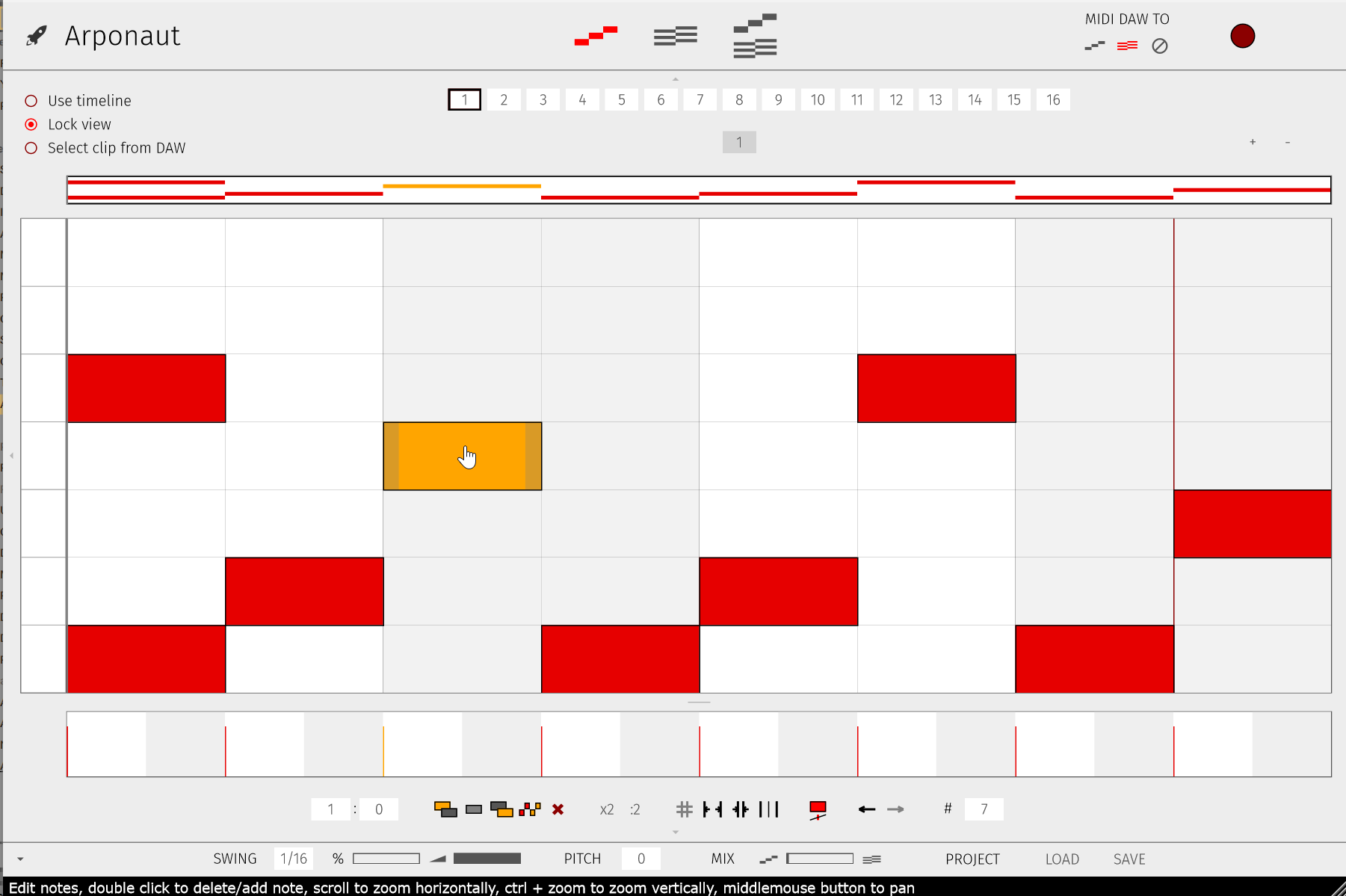
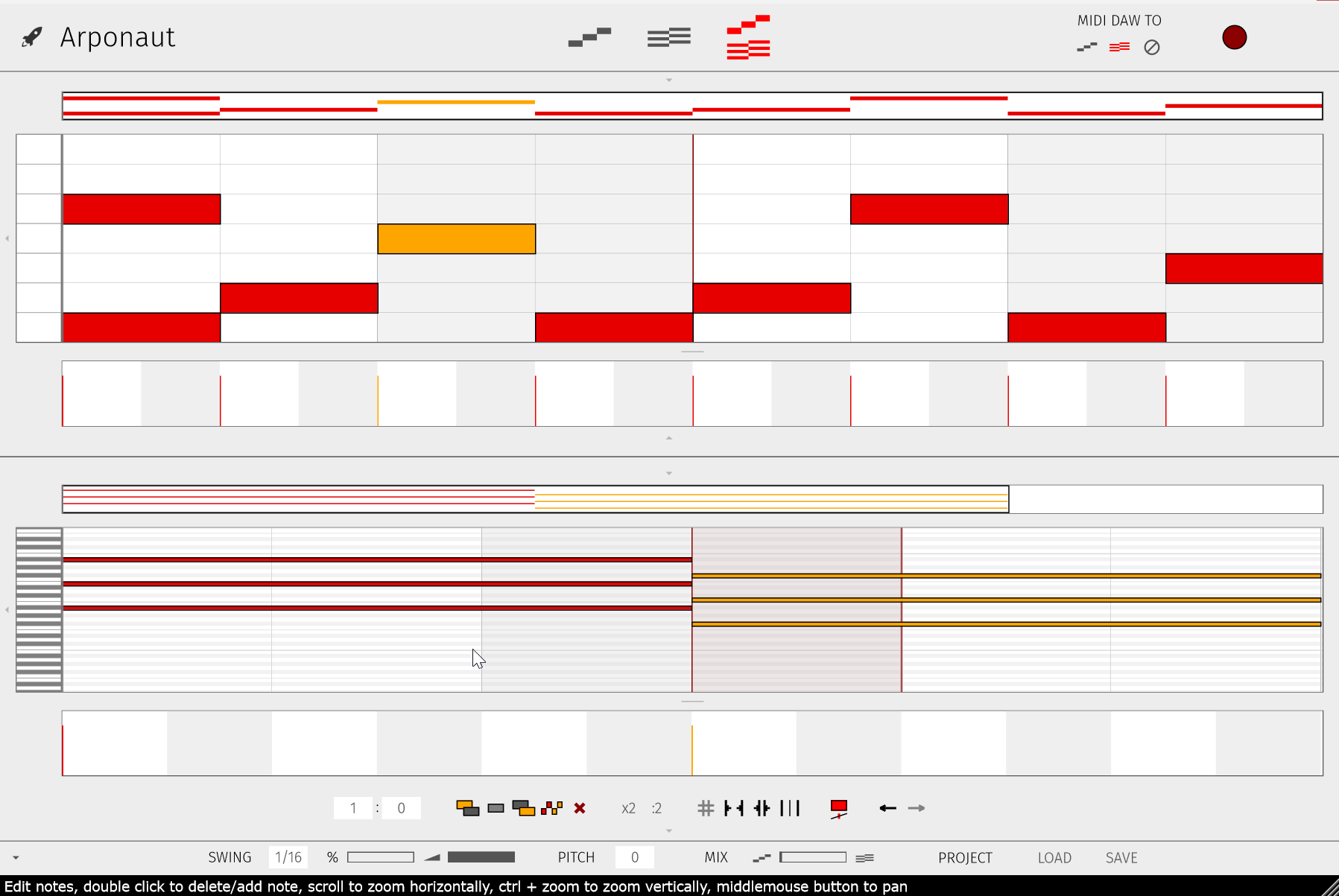
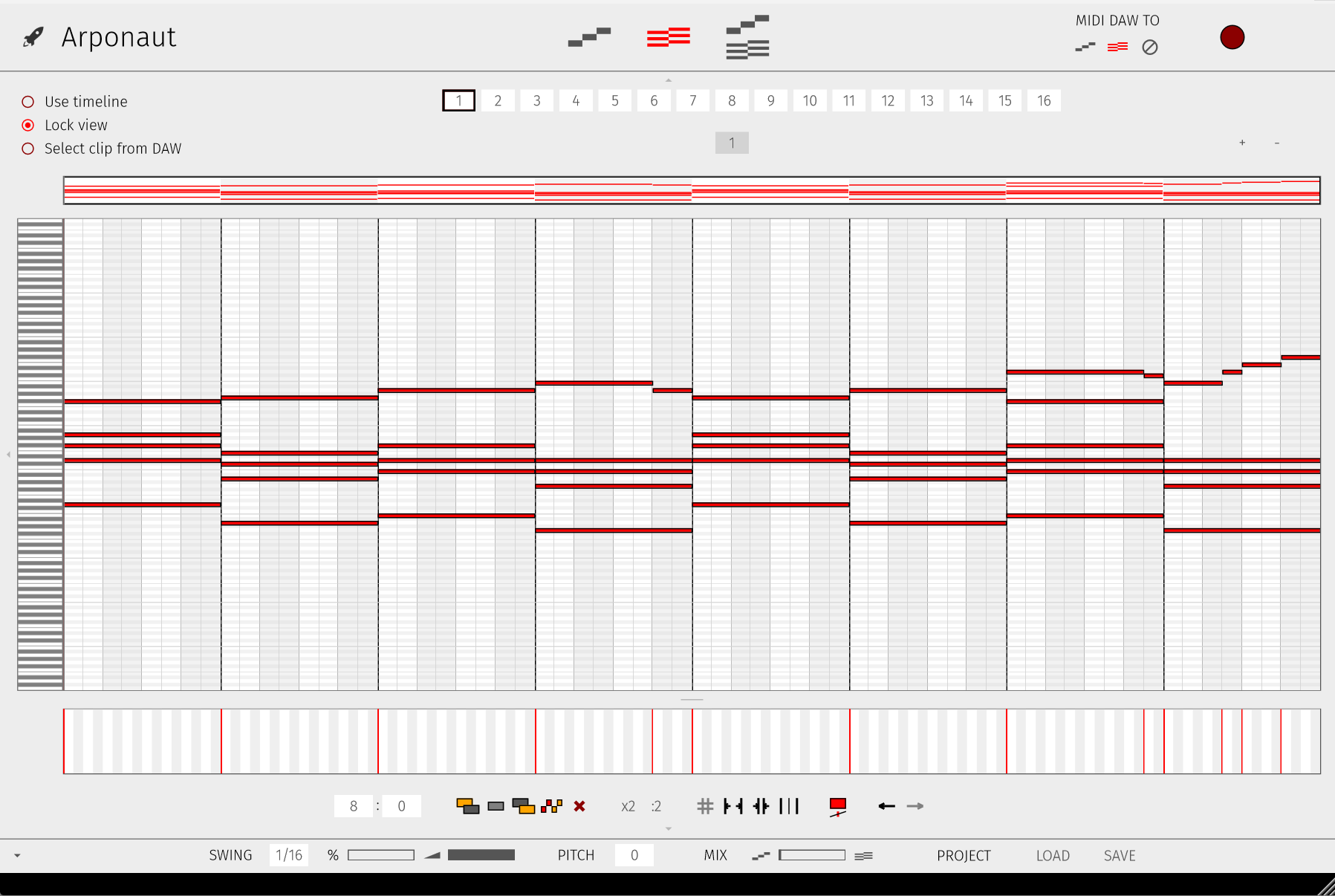
Edit the Pattern lane and the Chords lane. Shape both sides of the arp instead of locking into a single pattern.
 Download Free
Now available · v1.1.1
A free pattern-based arpeggiator with a unique Pattern + Chords workflow. Route MIDI your way and find arpeggios you wouldn’t have written yourself.
Extra preset library coming soon · VST3, AU & CLAP for Windows & macOS
Featured on


Most arps only give you a pattern. Arponaut lets you shape both the Pattern lane and the Chords lane.
Edit the Pattern lane and the Chords lane. Shape both sides of the arp instead of locking into a single pattern.
Send DAW MIDI into the Pattern lane, the Chords lane, or both. Mix played material with edited parts inside the plugin.
Because chords are editable too, routing MIDI into the Pattern lane opens combinations that standard arpeggiators can’t do.
Play, tweak, and experiment until it surprises you. Find fresh melodies and rhythmic ideas in seconds.
Update walkthrough, demo, and tutorials. Start with whichever fits how you learn.
Release notes in reverse chronological order.
Send feedback, bug reports, or questions. Discord is also open for feature ideas and chats.